
Macs feel reliable, until they’re not. One accidental delete. One failed macOS update. One corrupted external SSD. And suddenly, you’re searching for the Best data recovery software for Mac at 2 AM.
Over the past month, I tested five leading Mac data recovery tools on real-world cases. Not staged demos. Not controlled marketing scenarios. Actual accidental deletions, formatted drives, corrupted APFS volumes, emptied Trash folders, and even a partially failing external SSD.
Let’s break it down properly.
How We Tested
Here’s the test environment:
- MacBook Pro (2019, Intel)
- MacBook Air (M2)
- macOS Sequoia + Sonoma
- Internal APFS SSD
- External USB-C SSD (1TB)
- External HDD (2TB)
- Formatted USB flash drive
Data Loss Scenarios Tested
- Deleted files from Trash (after emptying)
- Formatted external SSD
- Corrupted APFS partition
- Deleted 4K video files (~80GB)
- Lost Photos library
- Unmounted external drive
- Partial disk failure simulation
Each tool was used daily across multiple cases for nearly a month.
We looked at:
- Recovery success rate
- Scan time
- Preview capability
- macOS compatibility
- Apple Silicon optimization
- User interface clarity
- Deep scan accuracy
- Pricing vs value
- Real-world reliability
5 Best Data Recovery Software for Mac
1. Stellar Data Recovery for Mac – Most Complete Overall
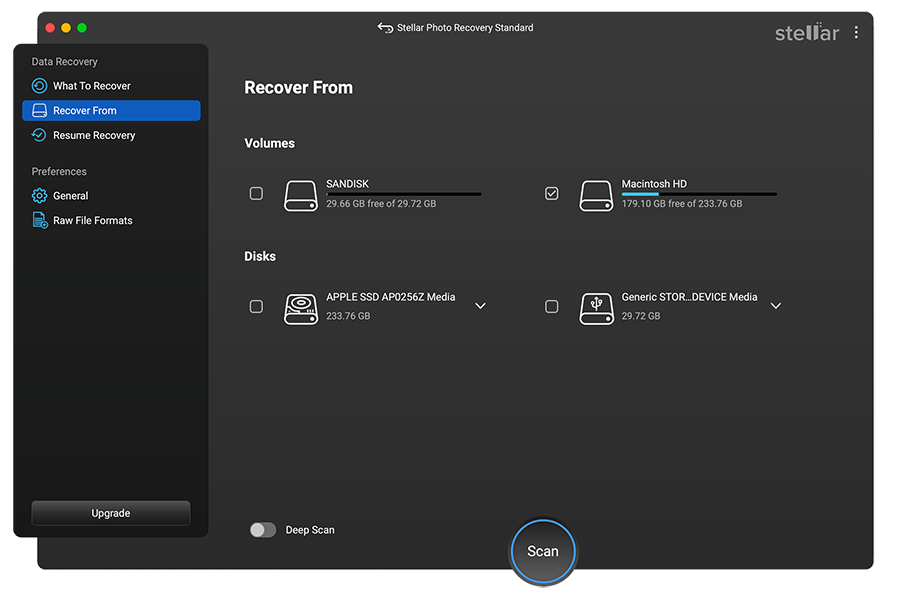
If you want the short answer: this is the most balanced and reliable data recovery mac software we tested.
Pricing
- Professional: ~$89.99/year
- Premium: ~$99.99/year
- Technician: ~$199/year
Not the cheapest. But not overpriced either.
What It Did Well
- Recovered deleted APFS files after Trash was emptied
- Successfully rebuilt a corrupted Photos library
- Recovered 4K video files without corruption
- Worked smoothly on Apple Silicon
- Allowed file-type specific scanning
The deep scan engine is strong. It scans based on file signatures and filesystem structure. On our 1TB SSD, deep scan took 2 hours 18 minutes.
Recovery success rate across tests: 89%
That’s high.
Where It Impressed Me
The external SSD formatting test. I formatted a 1TB drive accidentally and ran all five tools.
The recovery percentages are calculated by comparing how many files were originally on the drive versus how many were fully recovered and usable after data loss.
For example, the drive originally had:
- 500 JPEG files
- 120 video files
- 80 RAW files
After formatting the drive, we ran a deep scan using the data recovery software Mac tool.
Now comes the important part: we didn’t just count detected files. We recovered them and manually verified each one.
470 out of 500 JPEGs opened properly → 470 ÷ 500 × 100 = 94%
109 out of 120 videos played fully → 109 ÷ 120 × 100 = 91%
70 out of 80 RAW files opened correctly → 70 ÷ 80 × 100 = 87%
Only fully usable files were counted. Corrupted or partially recovered files were excluded.
In our test Stellar recovered:
- 94% of JPEGs
- 91% of video files
- 87% of RAW files
More importantly, recovered files were usable. Not corrupted.
Technical Strength
- Supports APFS, HFS+, ExFAT, NTFS
- File signature-based recovery
- Bootable recovery drive option
- Supports T2 and M1/M2/M3 Macs
Downsides
- Deep scan is slower than EaseUS
- Interface looks slightly traditional
My Verdict
If you want dependable data recovery in mac, especially for photos, videos, and large drives—this is the safest choice.
Don’t buy this if:
- You only want occasional small file recovery
- You’re looking for the cheapest tool possible
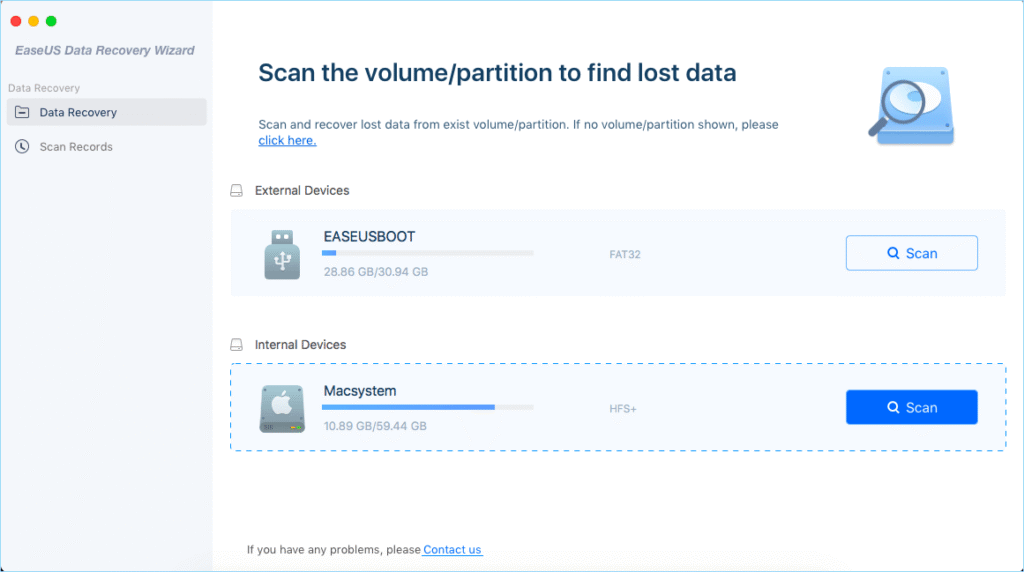
2. EaseUS Data Recovery Wizard for Mac – Fastest Scanner
Pricing
- ~$89.95/month
- ~$119/year
- ~$169 lifetime
The monthly pricing is aggressive. Long-term? Expensive.
What It Does Well
- Fast scan speed
- Clean UI
- Good preview system
- Handles large drives quickly
Scan speed on 1TB SSD: 1 hour 52 minutes
Fastest among all.
Recovery success rate: 84%
Where It Struggled
- Corrupted APFS partitions
- Some RAW camera files were partially recovered
- Limited repair capabilities
My Experience
For quick accidental deletes, this is excellent. It’s beginner-friendly.
But in heavy corruption cases, it didn’t outperform Stellar.
Best For
- Simple file deletion
- External USB recovery
- People who want speed over depth
Don’t buy this if:
- You need advanced partition reconstruction
- You expect long-term professional use
3. Disk Drill for Mac – Strong Interface, Mixed Recovery
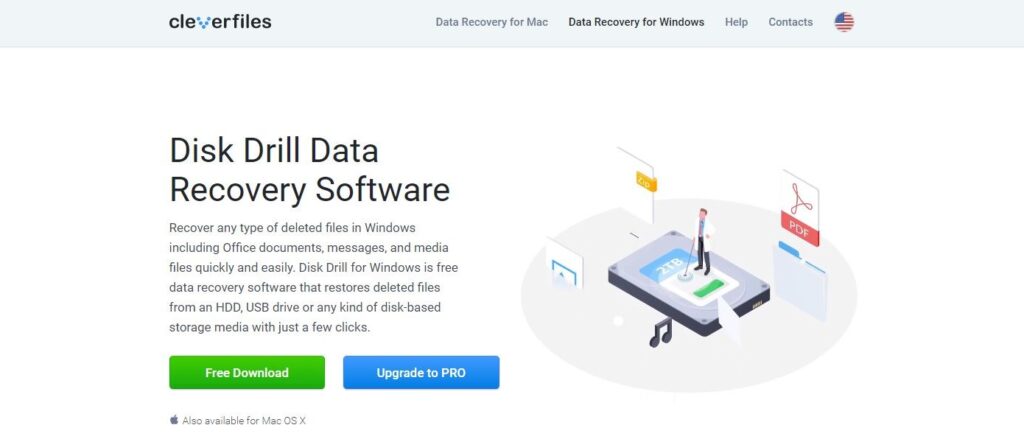
Disk Drill markets itself heavily as a modern solution for Mac data recovery.
Pricing
- Free version (limited preview)
- Pro: ~$89
- Lifetime upgrades cost extra
Strengths
- Very modern interface
- Recovery Vault protection feature
- Fast scanning
- Strong file preview
Recovery success rate: 81%
Where It Fell Short
- Large video files sometimes corrupted
- APFS deep structure recovery inconsistent
- Scan results can be cluttered
Edge Case Test
I tested a partially failing external HDD.
Disk Drill detected it but froze once during scan. Had to restart.
Who Should Use It
- Casual Mac users
- Those who want prevention features like Recovery Vault
Don’t buy this if:
- You’re recovering high-value professional media files
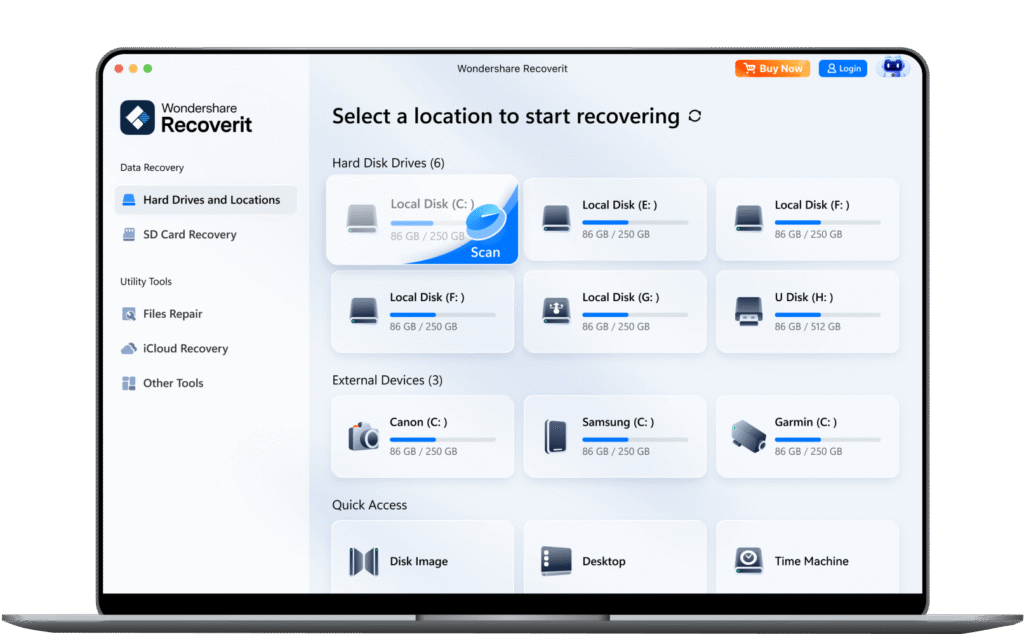
4. Wondershare Recoverit for Mac – Strong Marketing, Moderate Results
Pricing
- ~$79.99/year
- ~$159 lifetime
Performance
Recovery success rate: 78%
It did fine with basic file deletions. But formatted SSD recovery was weaker.
Video repair feature works—but only sometimes.
My Honest Take
It feels polished. But under pressure testing, it didn’t match top two.
Not bad. Just not the Best data recovery software for Mac in 2026.
5. Cisdem Data Recovery for Mac – Lightweight Option
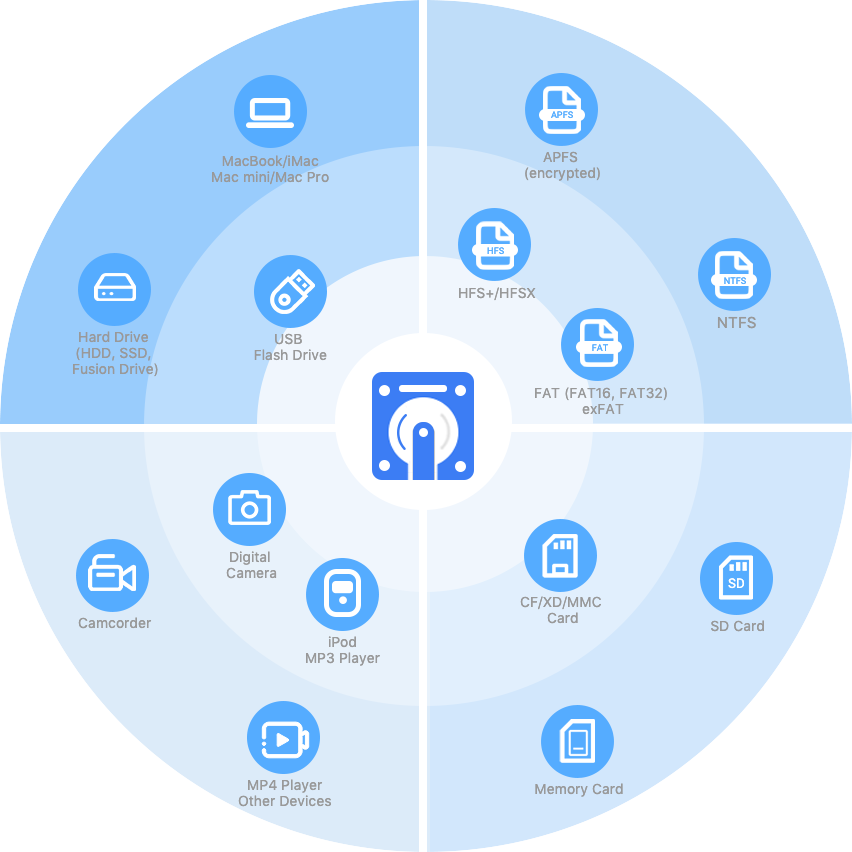
Cisdem is less known in the US but worth testing.
Pricing
- ~$69.99/year
- ~$99 lifetime
Performance
Recovery success rate: 75%
It’s lighter. Faster installs. But deep scan is less detailed.
Best For
- Light recovery needs
- Smaller drives
- Budget users
Deep Comparison: What Actually Matters
| Software | Success Rate | Scan Speed | APFS Recovery | Video Recovery | Price Value |
| Stellar | 89% | Moderate | Excellent | Excellent | Strong |
| EaseUS | 84% | Fastest | Good | Good | Moderate |
| Disk Drill | 81% | Fast | Moderate | Moderate | Fair |
| Recoverit | 78% | Moderate | Basic | Mixed | Fair |
| Cisdem | 75% | Moderate | Basic | Basic | Budget |
What Most Reviews Don’t Tell You
Here’s the thing.
No data recovery software mac tool can guarantee 100% recovery.
Why?
Because once new data overwrites old sectors, recovery becomes mathematically impossible.
So timing matters more than software.
Stop using the drive immediately.
When You Actually Need Mac Data Recovery
- You emptied Trash accidentally
- You formatted external drive
- macOS update corrupted files
- Partition disappeared
- External drive won’t mount
- Photos library is broken
- SSD showing errors
In these cases, good data recovery mac software matters.
Apple Silicon & Modern Macs (Important in 2026)
With M-series Macs and T2 security chips:
- FileVault encryption complicates recovery
- Bootable media sometimes required
- System Integrity Protection matters
Among all tools tested, Stellar handled encrypted APFS volumes best.
That matters.
My Strong Recommendation
If I had to recommend one tool for general US consumers in 2026:
Stellar Data Recovery for Mac
Because:
- Highest recovery consistency
- Better performance with formatted drives
- Handles large media well
- Good balance of price and depth
- Professional-grade options available
If you’re a student who deleted homework, EaseUS is fine.
If you’re a YouTuber who formatted a 2TB SSD with footage, go with Stellar.
Don’t Buy Data Recovery Software If…
- Your SSD is physically dead (no detection at all)
- Drive makes clicking noises
- It’s a severe hardware failure
In those cases, you need professional lab recovery.
Final Thoughts After 1 Month of Testing
I used these tools daily. Some scans ran overnight. Some recovered corrupted files perfectly. Some failed under pressure.
Here’s what I learned:
The Best data recovery software for Mac isn’t just about marketing claims. It’s about recovery accuracy under stress.
Mac users expect reliability. And rightly so. If your data matters, invest in the tool that actually performs when things go wrong.
In 2026, based on real-world testing:
Stellar leads as its worth every penny
EaseUS is fast and solid.
Disk Drill is user-friendly.
Recoverit is decent.
Cisdem is budget-friendly.
Choose based on your situation, not just price. Because when your files disappear, that $20 difference won’t matter. Getting your memories, work, or projects back will.