
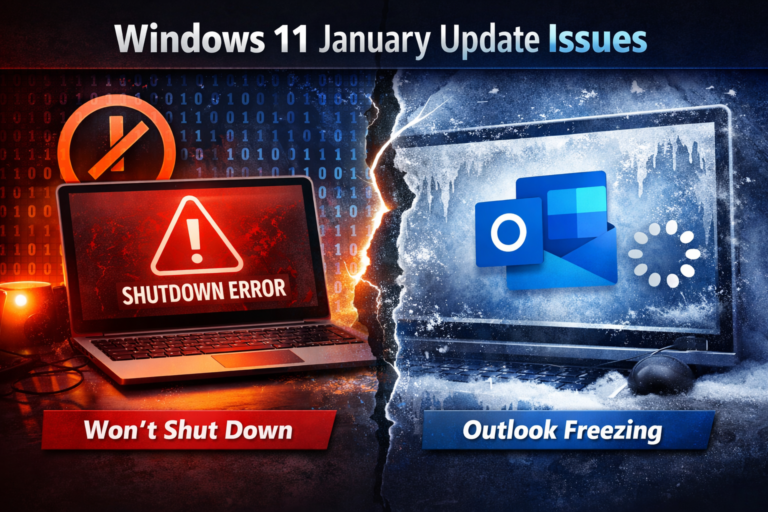
Microsoft is dealing with multiple problems caused by its January 2026 Windows security updates, with reports now confirmed across different versions of Windows 11. The issues affect system shutdown behaviour on enterprise machines and cause Outlook to freeze for some everyday users, raising fresh concerns about update stability.
While the problems are separate, they share the same root cause: recent cumulative security patches that are behaving unpredictably on certain setups.
Some Windows 11 PCs refuse to shut down
Microsoft has confirmed a bug that prevents certain Windows 11 systems from shutting down or entering hibernation after installing the January 13 security update KB5073455.
The issue affects Windows 11 version 23H2 devices running Enterprise or IoT editions with System Guard Secure Launch enabled. Instead of powering off or hibernating, affected PCs simply restart.
System Guard Secure Launch is a security feature that protects the boot process using virtualisation-based security. It is designed to block low-level threats such as firmware attacks and rootkits before Windows even starts.
According to Microsoft, the problem only occurs on systems where Secure Launch is active and KB5073455 is installed. Consumer editions of Windows 11 are not impacted.
Temporary workaround
Until a permanent fix is released, Microsoft recommends shutting down affected systems manually using Command Prompt:
shutdown /s /t 0
This forces a full shutdown, bypassing the bug. However, there is currently no workaround for devices set to hibernate. Microsoft advises users to save their work and shut down manually to avoid the system running out of battery while attempting to hibernate.
Outlook freezing after another January update
At the same time, Microsoft is investigating a separate issue affecting the classic Outlook desktop client. Users with POP email accounts report that Outlook freezes, fails to close properly, and refuses to reopen after installing the KB5074109 security update.
This bug affects Windows 11 versions 24H2 and 25H2 and appears to impact POP-based email setups in particular. While POP is less common than IMAP or Exchange, it is still widely used by home users and small businesses.
Microsoft says the issue is still being investigated and that it does not yet have a full picture of all the symptoms. No official fix or timeline has been announced so far.
Temporary workaround for Outlook users
For now, affected users can restore Outlook functionality by uninstalling the problematic update:
- Open Settings
- Go to Windows Update
- Select Update history
- Choose Uninstall updates
- Remove Security Update for Microsoft Windows (KB5074109)
Several users report that Outlook immediately starts working again after uninstalling the update.
That said, Microsoft warns that removing security updates is not risk-free. These patches often fix vulnerabilities that may already be under active attack, so uninstalling them increases exposure to malware and other threats.
A rough month for Windows updates
These issues follow another January update problem that caused some security software to mistakenly flag a core Windows component across both client and server versions of Windows. Microsoft has since resolved that bug, but the pattern is becoming hard to ignore.
January’s updates highlight the growing complexity of Windows security. Features like Secure Launch improve protection, but they also introduce more moving parts that can fail in unexpected ways. When something breaks, it tends to affect very specific configurations, which makes testing and detection harder.
What users should do now
If you are running Windows 11 Enterprise with Secure Launch enabled, be aware that shutdown and hibernation may not work correctly after KB5073455. Use manual shutdown and avoid relying on hibernation until Microsoft releases a fix.
If Outlook is freezing and you use POP email, KB5074109 is the likely cause. Uninstalling it may restore functionality, but keep in mind the security trade-off.
For now, the safest approach is to stay informed, apply workarounds carefully, and keep an eye on Microsoft’s update advisories. As always with Windows updates, stability sometimes lags behind security, and January 2026 is proving to be another reminder of that balance.
Check This: Windows 11 KB5074109 Issues Explained: Black Screen, Outlook POP Freezes, and AVD Failures