

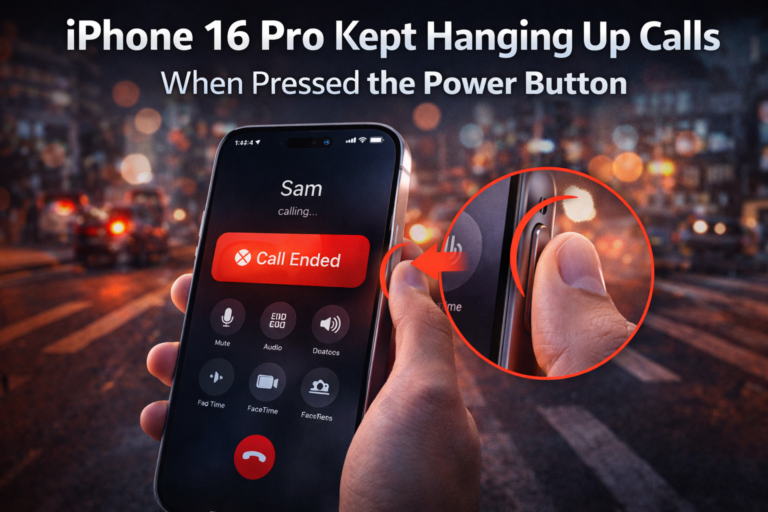
Whenever I’m on a call on my iPhone 16 Pro and I press the side (power) button to turn the screen off, the call just disconnects. No warning. No confirmation. Just gone.
And honestly, it drove me mad.
I wasn’t trying to hang up. I just wanted to lock the screen, save some battery, or put the phone in my pocket while continuing the call. Instead, every accidental press ended the conversation. If you take long calls, use earphones, or talk while walking, you’ll know exactly how frustrating this feels.
At first, I thought it was a bug. Turns out, it’s a setting.
The simple setting that fixed everything
Apple actually gives you a way to stop this behaviour, but it’s hidden inside Accessibility. Once I turned it on, the problem completely disappeared.
Here’s exactly what I did:
- Open Settings
- Tap Accessibility
- Go to Touch
- Enable Prevent Lock to End Call
That’s it.
From that moment on, pressing the power button during a call only locks the screen. The call stays connected.
Note: If this setting is enabled, you won’t be able to end the call with the power button when your iPhone rings.
Why this keeps happening
By default, iOS treats the side button as a “hang up” button during calls. So when you press it, the system assumes you want to end the call, not lock the screen.
On older iPhones, I could live with it. On the Apple iPhone 16 Pro, where I’m constantly locking the screen out of habit, it became unbearable.
What changed after I enabled it
This one toggle genuinely improved my daily phone usage.
- I can lock the screen during calls without fear
- No more accidental call drops
- Works with normal calls, WhatsApp, and FaceTime
- The setting stays on permanently
The only small trade-off is that you can’t hang up calls using the power button anymore. You have to tap the on-screen End Call button. For me, that’s a non-issue.
Why this setting should be on by default
Pressing the power button to lock the phone is muscle memory. Ending a call should be a deliberate action, not something that happens accidentally.
If you’re someone who takes frequent calls, uses earbuds, or walks while talking, this setting feels essential. I wish I’d found it earlier.
Summary
If your calls keep disconnecting every time you press the side button, you’re not doing anything wrong. Your iPhone is. Turn on Prevent Lock to End Call once, and you’ll never deal with this irritation again.